MWhoster gives free SSL certificate to its clients. You don,t need to invest single penny. Follow these steps to activate SSL.
1. Login into MW Panel.
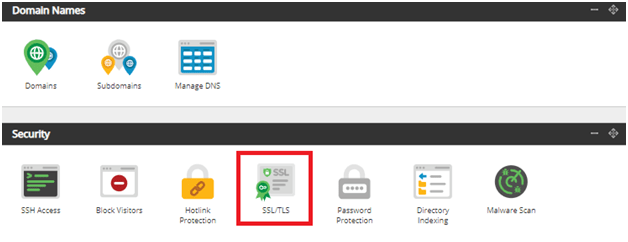
2. Click on SSL/TLS under Security in MW Panel.
3. Select your domain in which you want to activate SSL then, click on Activate Free SSL.

4. After that, Click on Enable Force HTTPS

Please note: this will only work if you use our nameservers and changes will take 30 minutes to take effect.


